
Adult Site Speed & Core Web Vitals: Fixing Slow, Media-Heavy Pages
Core Web Vitals are the scores Google builds from real visits to measure how fast your main content shows up, how quickly the page answers a tap, and how much it shifts around while everything loads. On adult sites stuffed with high-resolution photos and autoplay clips, they are usually the biggest reason a page feels sluggish and sits faster rivals in the results below. If your galleries look stunning but load like molasses, your Core Web Vitals are almost certainly to blame.
Adult platforms live and die by media. Galleries, previews, embedded players, thumbnail grids: all of them fight for the same bandwidth, and every one adds weight. You end up with the familiar trap, good-looking pages that crawl on phones and quietly leak traffic to leaner sites that simply load quicker.
The encouraging part is that media-heavy does not have to mean slow. The rest of this guide covers what the three metrics measure, why adult pages keep failing them, and the fixes worth doing first, none of which mean gutting the content people came for. Read it straight through, or skip to whichever metric your report has flagged red.
What Core Web Vitals Actually Measure
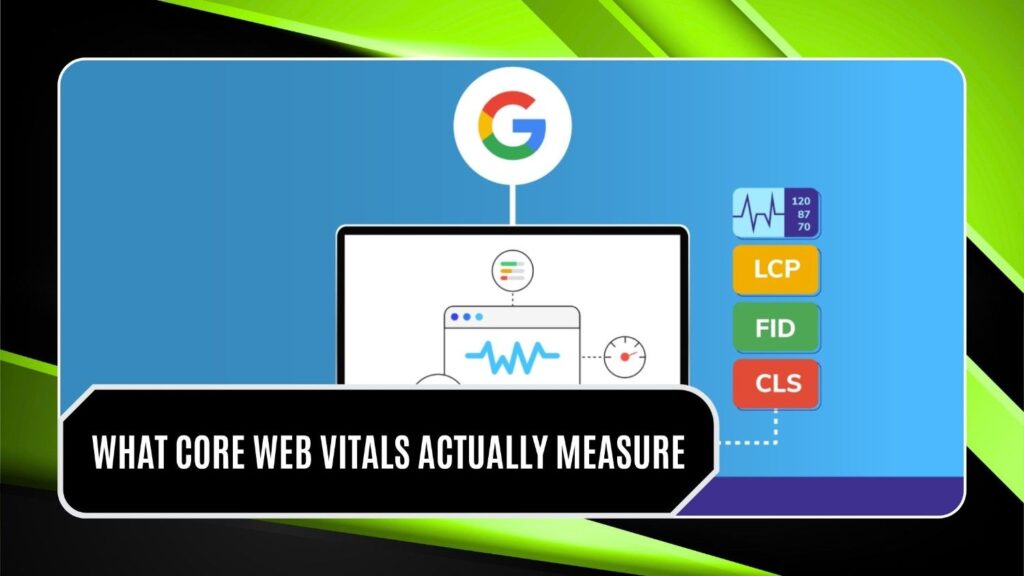
Google scores every page on three things pulled from actual visits, each with a “good” line drawn at the 75th percentile of sessions, based on how Google defined these thresholds. Put plainly, three out of four visits have to clear the bar before a page counts as healthy.
- LCP (Largest Contentful Paint): how long your biggest above-the-fold element takes to show up. Keep it under 2.5 seconds.
- INP (Interaction to Next Paint): how fast the page reacts when someone clicks, taps, or types. Keep it under 200 milliseconds.
- CLS (Cumulative Layout Shift): how much the layout jumps while everything loads. Keep it under 0.1.
INP took over from First Input Delay back in March 2024, so any guide still talking only about input delay is dated. To pass, a page has to hold all three in the green for at least 75% of visits. One bad metric drags the whole score down, which is exactly the trouble for pages heavy on images and video.
Why Adult, Media-Heavy Pages Drag Down Core Web Vitals

The things that make adult sites fun to browse are the same things that slow them to a crawl, and each one maps to a particular Core Web Vitals failure. Once you spot the cause, the fix tends to write itself.
- Oversized images: full-resolution photos squeezed into a thumbnail still ship every wasted megabyte, and a grid of forty multiplies the damage.
- Autoplay and preview video: Several players spinning up at once jam the main thread and push back the moment your biggest element appears.
- Heavy ad and tracking scripts: the ad networks common in this space drop in render-blocking JavaScript that wrecks INP.
- Unsized media: images and iframes with no set dimensions make the layout lurch as files arrive, spiking CLS right as someone goes to tap.
These do not add up so much as pile on. One category page with forty unoptimized thumbnails and three tracking pixels can flunk all three Core Web Vitals at once, and the mobile users who make up most adult traffic feel every bit of it on a mid-range phone and a shaky connection.
Fixing LCP on Image and Video Pages

LCP is usually the first to break on a visual site, and happily, it is also where the quick wins hide. A handful of changes carry most of the weight.
- Modern formats: switch from JPEG and PNG to WebP or AVIF. The savings often run 30 to 50% with nothing visible lost.
- Responsive sizing: use srcset so a phone pulls a phone-sized image instead of a desktop original, which then has to shrink.
- Compress harder: most galleries ship photos at far higher quality than any screen can show. Strip the metadata and drop the quality until your eye, not the file size, sets the limit.
- Preload the hero: point the browser at your biggest above-the-fold image early instead of letting it stumble on the file late.
- A real CDN: serving media from edge servers near the visitor cuts load time sharply, which counts when your audience is scattered worldwide.
For a site leaning on heavy galleries and embedded players, a focused technical audit usually turns up a handful of fast wins. The sort of adult SEO and site-speed help that wins back lost visitors and slipped rankings rarely costs more than the traffic you bleed by leaving things broken.
Also read: Adult Link Building Through Guest Posting
Taming INP: The Interactivity Problem
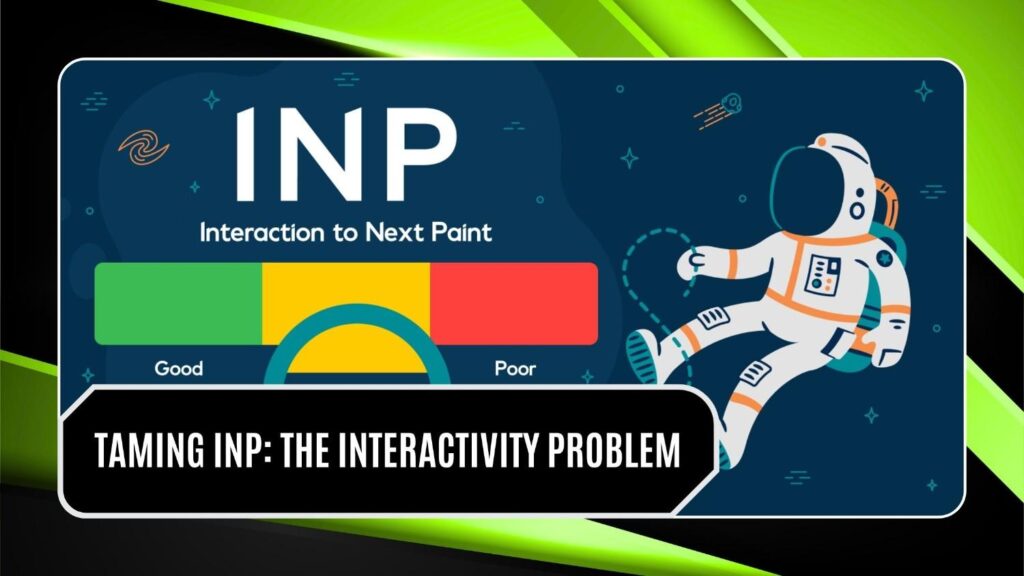
INP is the toughest of the Core Web Vitals to crack because it comes down to how your JavaScript runs, not how big your files are. When one script hogs the main thread, taps and clicks feel stuck even though the page looks finished. To loosen it up:
- Defer the non-critical scripts so the page is usable before analytics, chat widgets, and ads finish loading behind it.
- Break long tasks into smaller pieces so the browser can answer a tap between chunks instead of freezing for hundreds of milliseconds.
- Lazy-load your players so a video only wakes up when someone scrolls to it, not all at once on first paint.
- Vet your ad partners, because one badly built tag can ruin responsiveness on every page that runs the template.
Since INP work is about code structure rather than file size, it takes more effort, and it is also where most adult sites still have the most slack to take up. Open your browser’s dev tools, profile the page, find the scripts blocking the main thread longest, and start there for the best return on your hours.
Stopping Layout Shift (CLS)

CLS is the easiest of the three to fix, and often something you can ship before lunch:
- Give every image, video, and iframe an explicit width and height, or an aspect-ratio, so the browser holds the space before the file lands.
- Reserve room for ad slots and cookie banners so the content below them does not lurch the moment they show up.
- Turn on font-display swap and preload your key fonts so text does not reflow as the page settles.
None of that is risky, and it rarely breaks anything you can see, which makes CLS a good place to build momentum before the harder metrics. A steady layout also cuts down on mis-taps, and fewer mis-taps mean fewer annoyed people leaving.
Must read: Adult SEO Disasters Your SEO Consultant Might Be Making
Measure With Real Data, Not Guesses

Lab tools like Lighthouse and PageSpeed Insights are fine for diagnosis, but Google ranks on field data from the Chrome User Experience Report, collected from real visitors across a rolling 28-day window. Two habits keep you honest:
- Open the Core Web Vitals report in Search Console once a month and watch how real visitors actually experience your pages, grouped by template.
- Run real-user monitoring and treat any slump after a deploy as a bug to fix now, not a ticket to bury in the backlog.
Start with your worst template. Because adult sites run the same gallery and player layout across thousands of URLs, one fix at the template level can lift your Core Web Vitals across the whole domain in a single move. That kind of payoff is what makes the work worth the trouble in this niche.
The Payoff
Quick pages not only keep an algorithm happy. They cut bounce rates, lift conversions, and hold people on the site longer, and that behavior loops straight back into your rankings. Google’s 2026 updates put more weight on page experience, so solid Core Web Vitals now buy you a real edge instead of a box you keep meaning to tick someday.
In a crowded niche where most of your rivals still shrug at speed, healthy Core Web Vitals are quietly what separate the sites that climb from the ones stuck on page two. Media-heavy never had to mean slow, and every fix above is in reach for anyone who takes their traffic seriously.
If speed issues run deeper than settings and plugins, the problem is often at the build level, our adult web design and development service builds media-heavy adult sites with Core Web Vitals compliance baked in from the start.
Want to turn slow, media-heavy pages into fast ones that actually climb? Contact us and audit your Core Web Vitals today and start fixing the scores that are quietly draining your visitors, your conversions, and your revenue.